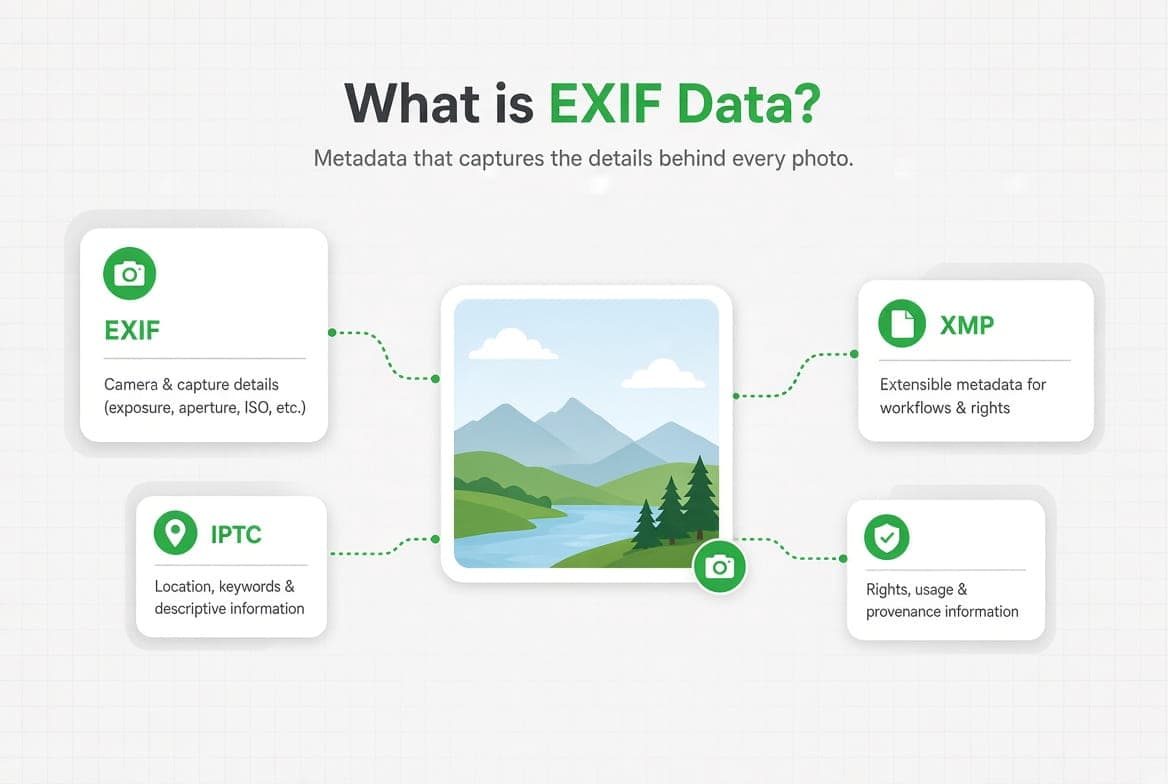
EXIF data is the technical record a camera writes into a photo file at the moment of capture: the camera and lens used, the exposure settings, the date and time, and often the GPS coordinates. You never see it when you look at the picture, and it travels with the file every time you send it.
Key takeaways
- EXIF is one of three metadata standards inside a typical photo. IPTC and XMP are the other two, and they do different jobs.
- EXIF describes the shot. IPTC describes the rights and the story. XMP is the container that can carry either.
- On a modern phone, this adds up to well over a hundred separate fields.
- AI image generators write their own layer on top, and it is readable.
Note
Where this guide describes how metadata is stored or detected, it describes what our own tool reads and writes. Where a claim would need a specification version we cannot verify first-hand, we describe the standard's role instead of quoting a number at you.
What is EXIF data?
Definition
EXIF stands for Exchangeable Image File Format. It is the block of technical information a camera writes into an image file alongside the pixels, describing how the photograph was taken.
The format came out of the Japanese camera industry, which needed a common way for cameras, printers and editing software to agree on what a photo file was carrying. That origin still shows. EXIF is organised around the act of taking a picture, and its vocabulary is a photographer's vocabulary: aperture, shutter speed, ISO, focal length, white balance, flash.
Almost every camera made in the last twenty-five years writes EXIF. So does every phone. When you look at a photo's details on your phone and see the lens and the shutter speed, you are reading EXIF.
Two things about it surprise people. The first is how much there is. The second is that camera manufacturers reserve a private section, usually called MakerNotes, where they store whatever they like in a format they do not publish. On the iPhone photo we measured for our iPhone metadata guide, 54 of the fields were undocumented Apple entries. Nobody outside Apple can say with certainty what they all mean.
What is the difference between EXIF, IPTC and XMP?
This is where most explanations stop short. A photo does not contain one metadata block. It usually contains several, written by different tools at different moments, and they overlap.
Standard | Comes from | Answers | Typical fields |
|---|---|---|---|
EXIF | the camera industry | How was this taken? | Camera, lens, aperture, shutter speed, ISO, date, GPS |
IPTC | the news industry | Who owns it and what is it about? | Creator, copyright, caption, keywords, location name |
XMP | Adobe | Anything, in a format others can extend | Editing history, ratings, and copies of EXIF and IPTC fields |
Definition
IPTC metadata comes from the International Press Telecommunications Council. It was built so a newspaper could attach a caption, a credit line and usage rights to a photograph and have every wire service read them the same way.
If EXIF is what the camera knows, IPTC is what the human adds afterwards. A photographer filling in a copyright notice and a caption in Lightroom is writing IPTC. So is a picture desk adding keywords before a photo goes into an archive.
Definition
XMP is Adobe's Extensible Metadata Platform. It is an XML container rather than a fixed list of fields, which means software can define new ones without breaking anything that came before.
XMP is the reason the same fact can appear three times in one file. Edit a photo's copyright notice in one program and it may write XMP. Another program writes IPTC. A third writes both, plus EXIF, to be safe. That redundancy is deliberate. Each generation of software hedged its bets, and the duplication is what survives.
It is also why removing metadata properly means rewriting all of it rather than clearing one block. Our metadata editor writes each logical field into EXIF, IPTC and XMP at once for exactly this reason: a copyright line that only exists in one of the three will disappear the first time another program touches the file.
What information does a photo actually store?
We sort the fields our tool reads into seven groups. They are a useful map of what is in there.
Camera and lens. Make, model, the specific lens, aperture, shutter speed, ISO, focal length, flash state, metering mode. On some cameras, the serial number of the body. This group is the largest on most files and the least sensitive, with one exception: a serial number ties every photo from that camera to the same owner.
Date and time. When the shutter fired, often to the millisecond, plus the time zone offset. The offset matters more than people expect. Even with no coordinates in the file, it places the photo in a broad band of longitude, and next to an exact timestamp it says a good deal.
Location. Latitude, longitude, altitude, and on phones the direction the camera was facing and how fast you were moving. GPS metadata records more than a point on a map.
Author and rights. Creator, copyright notice, credit, usage terms. Usually empty on a phone photo and carefully filled in on a professional one.
Software. What wrote or last edited the file, and often the operating system version.
AI provenance. A newer group, covered in its own section below.
Everything else. Dimensions, orientation, colour profile, compression settings, an embedded thumbnail, and the manufacturer's private block. This group is usually the biggest by count and the hardest to summarise, because much of it is undocumented.
You can see all seven groups on any photo with our EXIF viewer. Nothing is uploaded to a server for storage: the file is read, the fields are returned, and the temporary copy is deleted.
Where is metadata stored inside the file?
Metadata is not appended to the end of a photo. It sits in named sections of the file format, and the section names explain a lot of otherwise confusing behaviour.
In a JPEG, the file is a sequence of segments. EXIF and XMP live in a segment called APP1. Content Credentials, when present, live in APP11. A program that only knows how to read pixels skips these segments entirely, which is why metadata can survive being copied, emailed and backed up without anyone noticing it is there.
PNG works differently. It is a sequence of chunks, and text chunks can hold arbitrary key and value pairs. This is where Stable Diffusion and ComfyUI write their generation settings, and where the C2PA manifest goes when it is present, in a chunk named caBX.
Measured
177
Metadata fields on a single iPhone photo we measured, of which 54 were undocumented manufacturer entries.
The practical consequence is that metadata survival depends on the format and the software. Convert a JPEG to PNG in one program and the EXIF may be rebuilt; do it in another and it is gone. Upload a photo to a social network and most of it is usually stripped, though what survives varies by platform and changes without announcement. None of this is documented in a way you can rely on, which is why the only trustworthy answer is to read the file you are actually about to send.
What about RAW, HEIC and WebP?
Every format handles this differently, and the differences are worth knowing before you convert anything.
RAW files from a camera carry EXIF, and often a great deal of it, because the format exists to preserve everything the sensor and the body recorded. HEIC, the default on recent iPhones, carries EXIF too, which is why an iPhone photo has as many fields as it does. WebP supports EXIF and XMP but many tools that write WebP simply do not bother, so a converted file often arrives empty.
A screenshot is the extreme case. It is a new image created by the operating system, so it carries almost nothing about whatever was on screen. That is occasionally useful: screenshotting a photo is a crude but effective way to strip its history, at the cost of the original quality and resolution.
Why do photographers use XMP sidecar files?
Because RAW files are not meant to be rewritten. When you edit a RAW photo in Lightroom or Capture One, the program will not modify the original. It writes your edits, ratings, keywords and copyright into a separate .xmp file that sits next to the photo with the same name.
This is worth knowing for two reasons. If you move a RAW file without its sidecar, you leave the edits and the metadata behind. And if you hand someone a RAW file believing you removed your details from it, the sidecar may still be sitting in the same folder carrying all of them.
How do AI generators write metadata?
Image generators leave marks in the metadata layer, and unlike a statistical guess about pixels, these marks are readable evidence. There are three kinds worth knowing.
Content Credentials, also called C2PA. A signed manifest describing what made the image and what was done to it since, explained in full in what C2PA is. It is stored as JUMBF data, in the APP11 segment of a JPEG or in the caBX chunk of a PNG. When it is there, it is checkable, and our C2PA checker will show you what it declares.
A declared source type. IPTC and XMP define a field called digitalSourceType. When it carries the value trainedAlgorithmicMedia, the file is stating outright that a generative model made it.
Generator settings left in place. Stable Diffusion writes its whole generation block into a PNG text chunk called parameters: the prompt, the negative prompt, the sampler, the seed, the model hash. ComfyUI writes prompt and workflow chunks. Neither is a watermark. They are working data that nobody removed, and they are often the most detailed evidence in the file.
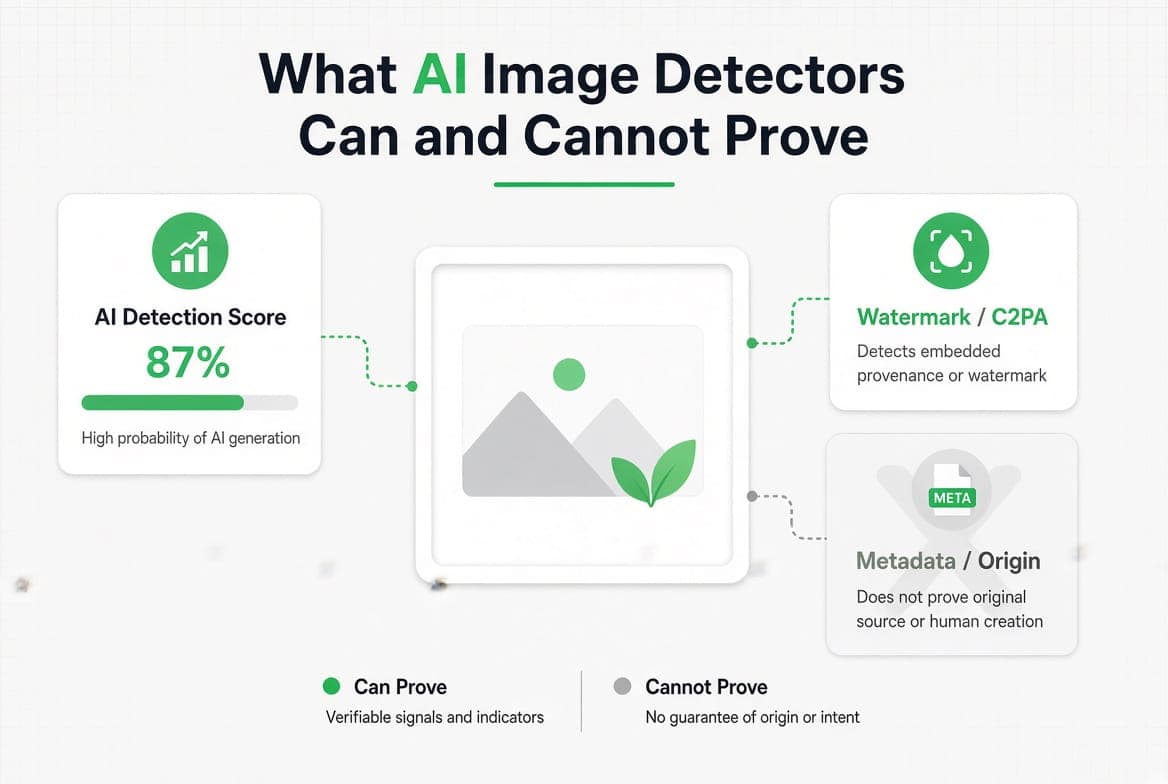
Our AI image checker reads all three and shows you the raw field it found, so you can judge the evidence rather than take a score on trust. How that evidence compares with pixel detectors and watermarks is the subject of what AI image detectors can and cannot prove.
Honest limit
All of this lives in the metadata layer. An invisible watermark written into the pixels themselves, such as Google's SynthID, is not metadata: it is not detected here, and stripping metadata does not remove it. Just as important, an absence of AI metadata proves nothing. Metadata is easy to remove, so a clean file is not evidence that a human made the image.
Why does EXIF data matter for privacy?
Because the fields most people worry about are not the ones that give them away.
Location is the obvious risk, and it is the one every phone now lets you remove. What survives that removal is the interesting part. On the iPhone photo we tested, removing the location deleted 20 fields out of 177 and left 157 in place, including the exact phone model, the lens, the shutter speed and the timestamp to the millisecond.
Individually those look harmless. Together they are a fingerprint. The phone model narrows the sender to a group. A camera serial number narrows it to a person. A precise timestamp with a time zone offset places an event. And a set of photos sharing the same serial number can be linked to each other even when nothing else connects them.
You do not need to worry about every photo you send. You do need to know what is in the file before you post it publicly, list it for sale, or send it to a stranger.
How do you view, edit or remove EXIF data?
Three different jobs, three different answers.
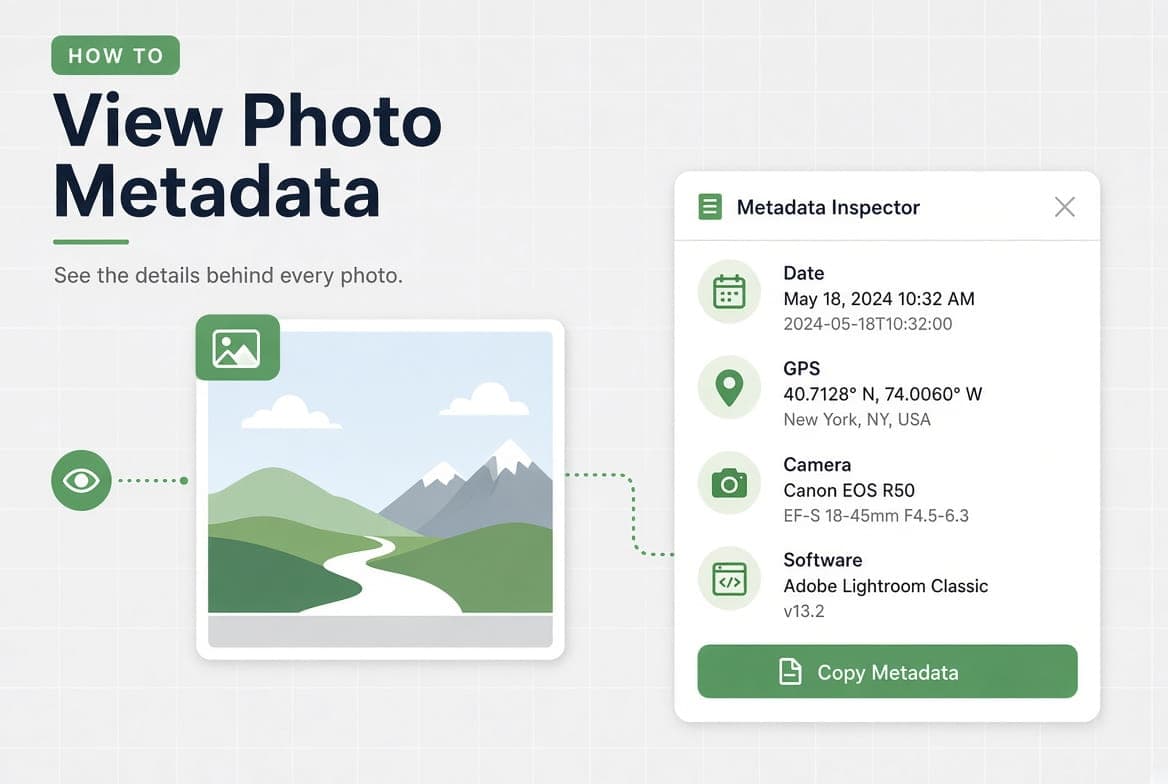
To read it, open the photo in an EXIF viewer. You get every field grouped by category, with the location on a map when there is one, and you can export the lot as text, CSV or JSON. Every operating system also shows a partial view, which how to view photo metadata walks through device by device.
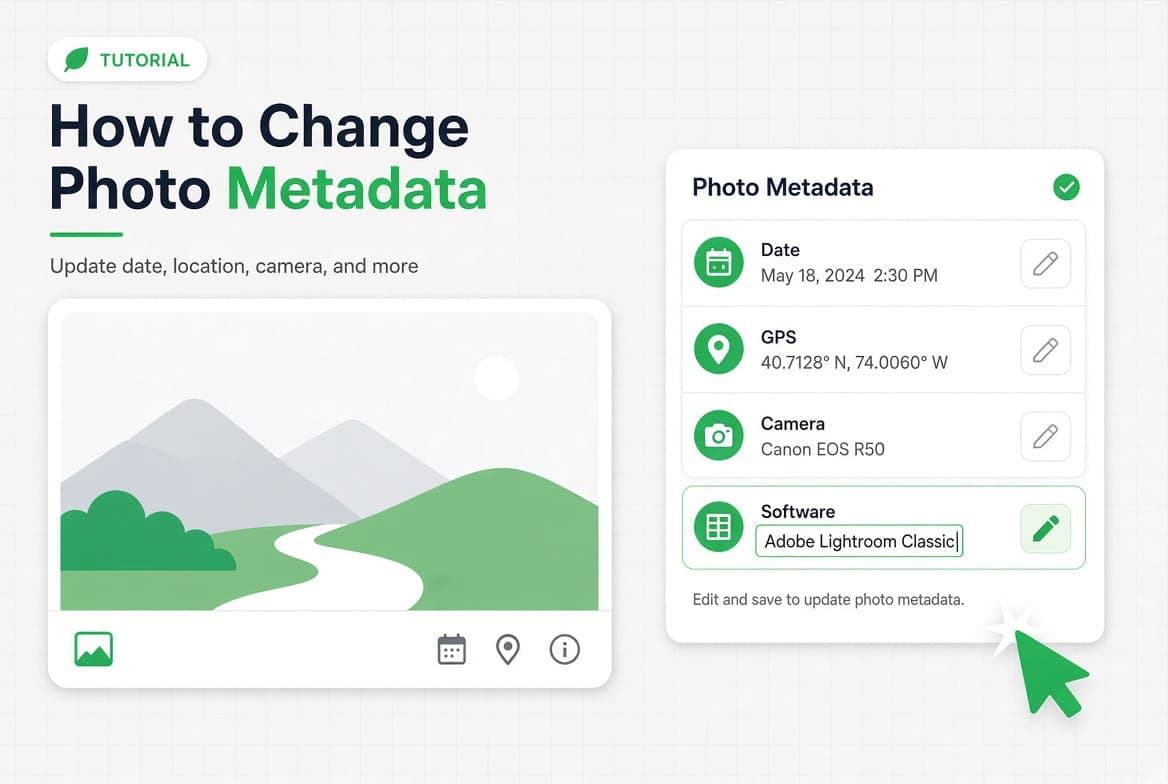
To change it, use a metadata editor. Setting a copyright notice, fixing a wrong capture date, or adding a caption are all normal editorial work. As noted above, a field worth setting is worth writing into EXIF, IPTC and XMP together, and how to change photo metadata covers which of the three date fields you actually mean.
To remove it, use a metadata remover. You can clear everything, or pick categories: location only, AI fingerprints only, the manufacturer's private block only. Every operating system has a built-in method too, and they all stop at a different point; how to remove metadata from a photo compares them by what they leave behind. On a phone you can remove location without any software at all, covered step by step in how to remove photo metadata on an iPhone.
One detail matters whichever tool you use. Stripping metadata should not re-encode the image. Ours rewrites the metadata block and leaves the pixels byte for byte identical, keeping the ICC colour profile and the orientation flag so the photo still looks right everywhere. A tool that re-saves the image to clean it is quietly costing you quality.
Questions answered
Is EXIF data the same as photo metadata?
Not quite. EXIF is one kind of photo metadata, the kind the camera writes. Photo metadata is
Does removing EXIF data reduce image quality?
It should not. Metadata sits in its own section of the file, separate from the pixels, so it can
Do social networks remove EXIF data?
Most strip a large part of it on upload, and several keep a copy of the original on their own
Can EXIF data be recovered after it has been removed?
Not from the cleaned file. The fields are gone from that copy. Any other copy still holds them,
Why does my photo have no EXIF data at all?
Usually because something already removed it: a messaging app, a social platform, a screenshot,