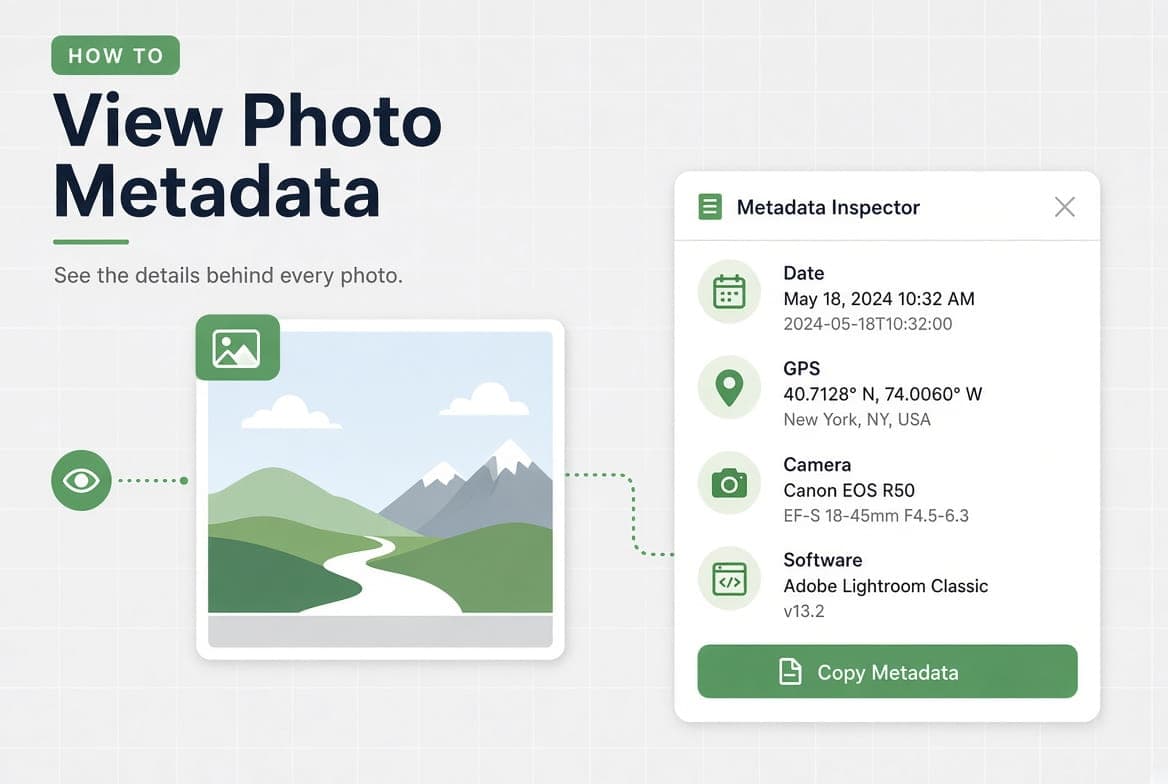
To see a photo's metadata on Windows, right-click the file, choose Properties, then the Details tab. On macOS, open it in Preview and choose Tools, then Show Inspector. On an iPhone, open the photo and swipe up or tap the info button. Each of these shows a filtered summary rather than everything the file contains.
Key takeaways
- Every operating system shows a curated subset, not the full file.
- The fields that matter most for privacy, like a camera serial number, are usually hidden from the built-in panels.
- An empty metadata panel almost always means something already stripped the file.
- Metadata is editable, so treat what you read as a claim rather than as proof.
How to view photo metadata on Windows
- Right-click the photo and choose Properties.
- Open the Details tab.
- Scroll through the groups: Description, Origin, Image, Camera, Advanced photo, File.
Windows shows a decent amount here, including the camera make and model, the exposure settings and the date taken. It hides the manufacturer's private block entirely, and it shows GPS coordinates as raw numbers with no map.
How to view photo metadata on macOS
- Open the photo in Preview.
- Choose Tools, then Show Inspector, or press Command and I.
- Click the i tab, then move between General, Exif, TIFF and GPS.
Preview is more honest than Windows about structure: it separates EXIF from TIFF and gives GPS its own tab with a small map. It still shows only what it recognises.
In Finder you can also select a photo and press Command and I for a shorter summary, which is enough to check a date without opening anything.
How to check photo metadata on an iPhone
- Open the photo in Photos.
- Swipe up on the image, or tap the info button.
- You get the date, the device, the lens, the exposure settings and a map if there is a location.
Tap the camera details to expand them. This panel is genuinely useful and covers the fields most people care about, but it is a summary: an iPhone photo carries far more than what appears here. We counted 177 fields on one, which is the subject of how to remove photo metadata on an iPhone.
How to find photo metadata on Android
The path depends on the manufacturer, but the pattern is the same across versions of Google Photos.
- Open the photo in Google Photos.
- Swipe up, or tap the information icon.
- You get the date, the file size and dimensions, the camera and the location.
Android's built-in panel is the thinnest of the four. If you need more than the date and the camera, you will need something else.
How to get photo metadata in a browser
When you want the whole file rather than a summary, read it directly.
Open the photo in our photo metadata viewer. It shows every field the file carries, grouped by category, including the manufacturer's private block that the built-in panels skip. The location appears on a map when there is one, and you can export the full list as text, CSV or JSON if you need to keep a record or compare two files.
Nothing is stored. The file is read, the fields are returned, and the temporary copy is deleted straight afterwards.
Which method shows the most?
Method | Date | Camera | Settings | Location | Private block | Export |
|---|---|---|---|---|---|---|
Windows Properties | yes | yes | yes | numbers only | no | no |
macOS Preview | yes | yes | yes | map | no | no |
iPhone Photos | yes | yes | yes | map | no | no |
Google Photos | yes | yes | partial | map | no | no |
Full metadata viewer | yes | yes | yes | map | yes | TXT, CSV, JSON |
The column that separates them is the manufacturer's private block. It is where camera serial numbers live, along with dozens of undocumented entries, and none of the built-in panels will show it to you. If your reason for looking is privacy rather than curiosity, that is the column you came for.
How to read what you find
This is the part every other guide leaves out. Seeing forty fields is not the same as understanding them. Here is what each group is worth.
Camera and lens. Make, model, lens, aperture, shutter speed, ISO. Useful for learning how a photo was taken. Mostly harmless, with one exception: some cameras write a body serial number, and that number links every photo from that camera to the same owner.
Dates. There are usually several, and they do not always agree. DateTimeOriginal is when the shutter fired. CreateDate is often the same. ModifyDate is when the file was last written, which changes when software touches it. If the three disagree, the file has been edited, and the gap between them tells you when. When the capture date is simply wrong, because the camera clock was, how to change photo metadata covers which field to correct.
Location. Latitude and longitude, and on phones the altitude, the direction the camera was pointing and your speed at the time. Even without coordinates, the time zone offset stored next to the timestamp places the photo in a band of longitude.
Software. The name of whatever wrote the file last. A photo straight from a camera names the camera firmware. One that has been through an editor names the editor. This single field is often the fastest way to tell whether an image is original.
AI fingerprints. Content Credentials, a declared source type, or a generator's settings left in a text chunk. If you want to check for these specifically, use the AI image checker, which shows you the raw field it found rather than a score.
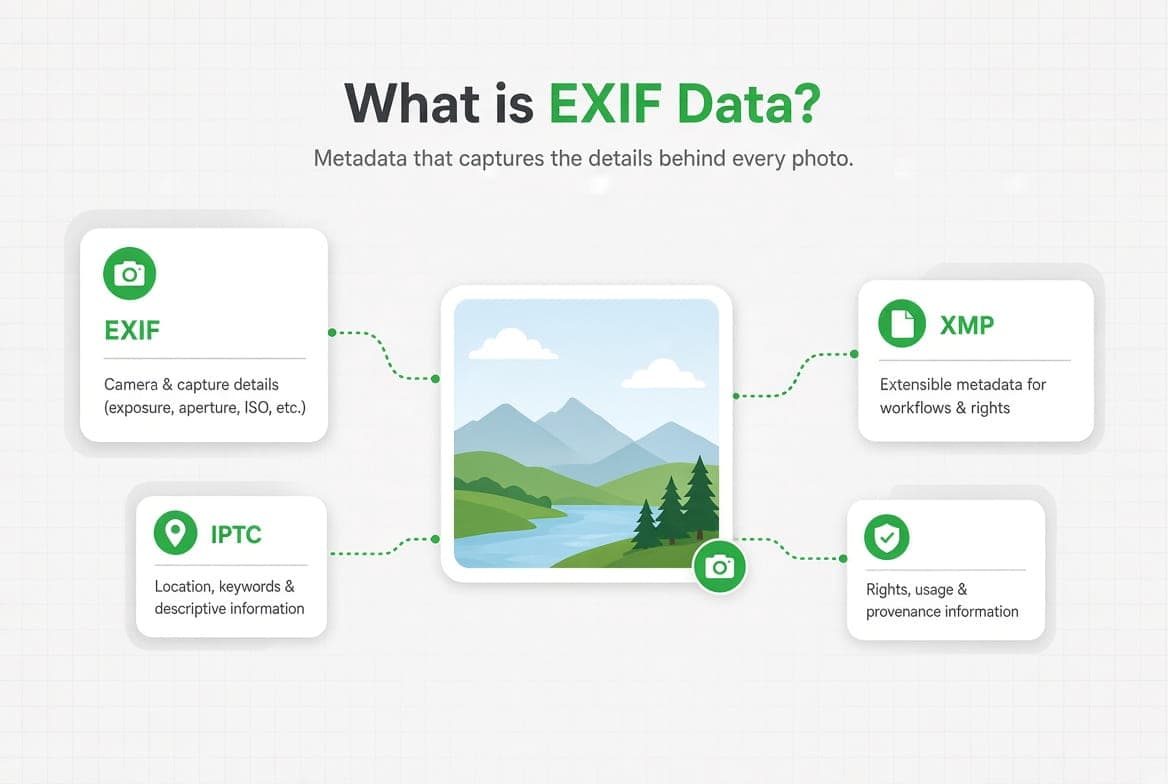
If any of these terms are new, what EXIF data is covers the vocabulary properly.
How to check a photo someone sent you
The other half of this search is not about your own photos. It is about someone else's: is this picture recent, is it really from where they say, did they take it themselves.
Metadata can help, within limits. Work through it in this order.
Start with the software field. It tells you what last wrote the file. A photo straight from a phone names the phone. A photo that has been through an editor names the editor. A file that names nothing at all has usually been stripped, which is itself informative.
Compare the dates. If DateTimeOriginal and ModifyDate are far apart, the file was edited well after capture. If they are identical to the second and the software field names an editor, the dates were probably rewritten together.
Check for a location, then check the time zone offset. People remember to remove coordinates far more often than they remember the offset stored beside the timestamp.
Look for AI fingerprints. Content Credentials, a digitalSourceType declaration, or a generator's settings left in a text chunk. Present, they are strong evidence. Absent, they prove nothing at all.
Then stop. Metadata tells you what a file claims about itself. It cannot tell you what is in the picture, whether the scene is staged, or whether the photo has been edited by someone who knew to clean up afterwards.
Why does a photo show no metadata at all?
This is the most common reason people search twice for the same thing. The panel is empty, and it looks broken. Usually it is not.
The photo went through a messaging app. Most strip metadata on send. That is the feature working.
It is a screenshot. A screenshot is a new image created by the operating system. It carries almost nothing about whatever was on screen, including the original photo's date and camera.
It was downloaded from a social platform. Most strip metadata on upload, so the copy you downloaded never had any.
It was converted. Saving a JPEG as PNG or WebP in some programs rebuilds the file without the metadata block.
Someone removed it. Which is, after all, the intended outcome of every method in how to remove metadata from a photo.
An empty file is not evidence of anything in particular. It is the normal state of a photo that has been through the internet.
Which fields can you trust?
Honest limit
Metadata is written by software, and software can write anything. Every field you see can be edited, including the capture date, the camera model and the GPS coordinates. Our own metadata editor does exactly that, for legitimate reasons like fixing a wrong clock. So metadata is evidence in the weak sense: it tells you what the file claims, not what happened. Treat a consistent set of fields as a reason to believe, and treat a missing or contradictory set as a reason to ask questions, but never as proof either way.
Internal consistency is the useful signal. A photo claiming a 2019 capture date, written by software released in 2024, with a modify date a minute after the capture date, is telling you something. Not what happened, but that the file has a history worth asking about.
Questions answered
How do I see the date a photo was actually taken?
Look for `DateTimeOriginal` rather than the file's creation date. The file date changes when the
Can I see where a photo was taken?
If the GPS fields are still in the file, yes, down to a few metres. Most social platforms remove
Why does Windows show fewer fields than an online viewer?
Windows shows the properties it has a name for. It does not display the manufacturer's private
Can I view metadata without uploading the photo anywhere?
Yes. The Windows, macOS and phone methods above are entirely local. ExifTool on the command line
Does viewing metadata change the file?
No. Reading is read-only. The file's modify date does not change and no field is rewritten.